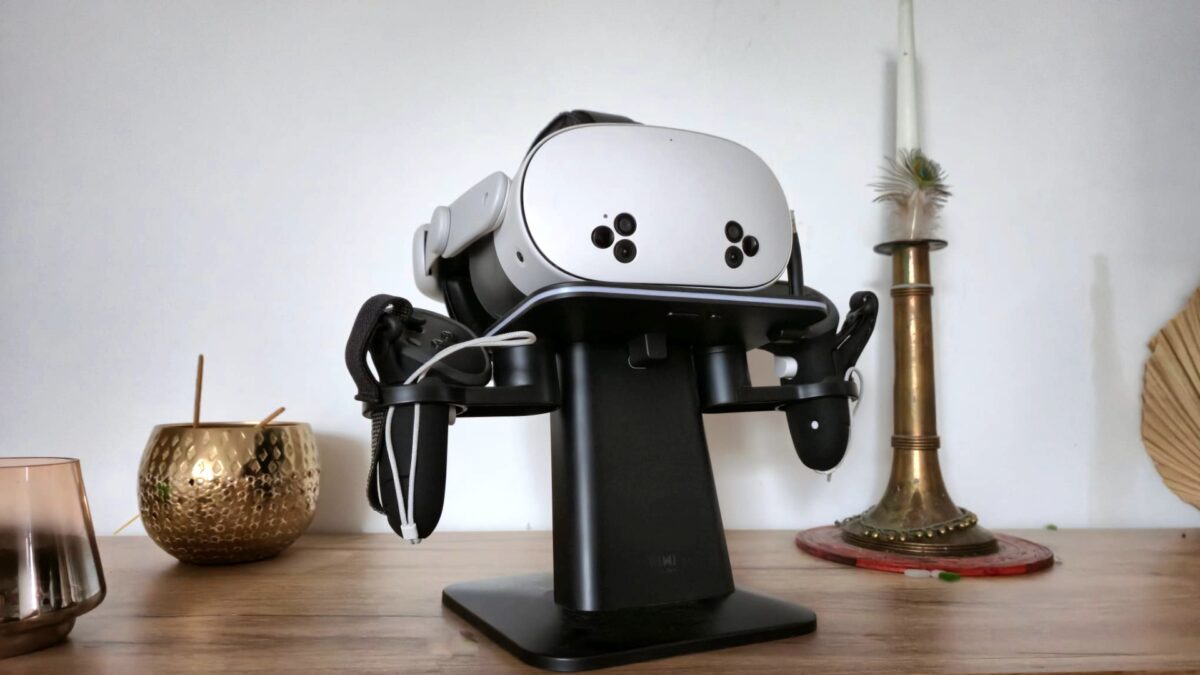

If you’re looking to get into virtual reality for the lowest possible price, the Meta Quest 3S is hard to beat — but is this budget headset actually worth your money? Here’s what you need to know about its hardware, comfort, image quality, and where it makes sense (and where it really doesn’t).
The Meta Quest 3S is Meta’s entry-level option for VR, promising access to the ecosystem without breaking the bank. But how good can a $299 headset actually be? What compromises are baked in, and who should actually consider buying one? Here’s a look at the specs, the differences compared to the standard Quest 3, real-world use cases — and a clear verdict on whether the Quest 3S deserves a spot in your living room.
Meta Quest 3S Pricing and Models: How Cheap Is Cheap?
- The Quest 3S comes in two storage versions, starting at €329 / $299 / £289.
At $299 (or €329 / £289) for the 128 GB version, the Quest 3S is, right now, the cheapest modern VR headset you can buy. There’s also a 256 GB version at $399. Like the pricier Quest 3, the 3S is a standalone device — no PC or wires needed — but you can hook it up to a computer for PC VR gaming if you want.
Under the hood, the Quest 3S runs the same Snapdragon XR2 Gen 2 chip as its more expensive sibling, features 8 GB of RAM, and supports the same tracking and Touch Plus controllers. Both models come with controllers, a USB-C power adapter, and a three-month trial of Meta Horizon+, which unlocks a rotating selection of VR games.
There’s also a limited Meta Quest 3S Xbox Edition in the US and UK, aimed at Xbox Game Pass cloud gaming fans. It’s functionally identical to the regular 3S, but comes bundled with an Xbox controller, both VR controllers, three months of Game Pass Ultimate, and Meta Horizon+. The Xbox Edition gets a black-and-green paint job, but that’s the only difference.
How Does the Quest 3S Stack Up Against the Quest 3?
- The biggest difference between the Quest 3S and Quest 3 is the optics and resolution.
While the two headsets share a lot of internal hardware, the Quest 3 and 3S are fundamentally different experiences — and that mostly comes down to optics. The 3S uses older Fresnel lenses, not the more advanced “pancake” lenses in the Quest 3. The result: the image is sharp only in the center (“sweet spot”) and noticeably blurry toward the edges, with more obvious lens flares or “god rays.”
You might also like:
Interpupillary distance (IPD) adjustment is another corner cut. The Quest 3S only lets you pick from three fixed IPD settings (58, 63, and 68 mm). If your eyes don’t align with those presets, you’ll be stuck with a blurry view. The Quest 3, by contrast, lets you fine-tune IPD without steps.
Other key differences:
- Lower display resolution on the 3S (1,832 × 1,920 per eye) versus the Quest 3 (2,064 × 2,208) — though in real use, the difference isn’t huge.
- More limited field of view: around 96° on the 3S, compared to about 110° on the Quest 3.
- No eye-relief adjustment or headphone jack on the Quest 3S — both of which are standard on the Quest 3.
Passthrough and Mixed Reality
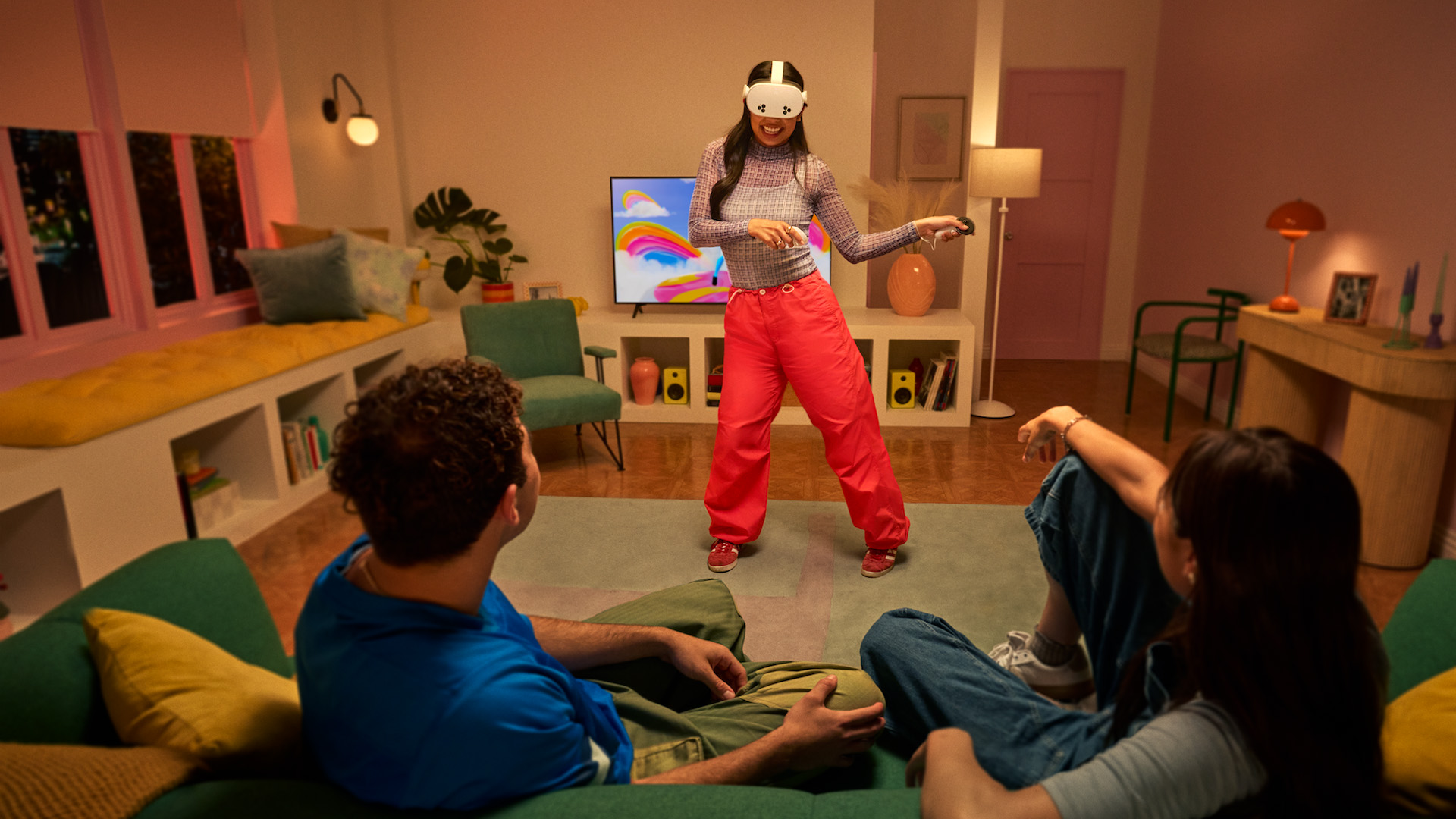
- The Meta Quest 3S delivers a decent mixed reality experience.
Both headsets support color passthrough for mixed reality, but the Quest 3S’s video feed is noticeably grainier and less crisp. It’s serviceable for quick MR tasks or games, but don’t expect it to hold up for extended productivity or creative work.
Meta Quest 3S: PC VR and App Library
- The Meta Quest 3S works seamlessly as a PC VR headset.
The Quest 3S has full access to the Meta Horizon app store, including new releases like Metro Awakening, Behemoth, and Batman: Arkham Shadow. If you’ve got a powerful PC, you can stream VR titles over cable or Wi-Fi — performance is decent, but the streaming resolution is clearly a step down from the Quest 3.
Setup and Ease of Use
- The Quest 3S is quick to set up, but lacks beginner-friendly guidance.
Getting started is easy enough with the smartphone app, but don’t expect much hand-holding. Onboarding tools for beginners are pretty barebones — topics like motion sickness, best starter games, or basic VR do’s and don’ts are barely covered. If you’re new to VR, the interface can feel pretty confusing at first.
So, Who Should Actually Buy the Meta Quest 3S?
- Launched October 15, 2024 in two versions, the Quest 3S is aimed at beginners — but ironically, it’s not especially beginner-friendly.
The Quest 3S is best for: Anyone who wants the absolute cheapest ticket into VR and plans to play mostly simple games where your gaze stays centered. It’s a good pick as a second headset for family, friends, or fitness apps, or if you’re dabbling in mixed reality but don’t care about image quality or comfort.
It’s a tougher sell for: Anyone who expects a consistently sharp image across the display, wants to use MR in a productive way, is sensitive to lens flares, blur, or motion sickness, or plans to push PC VR gaming to the limits. If you care about clarity and comfort, the Quest 3 is the smarter buy.
The Quest 3S is a good choice if you:
- want the most affordable way into VR
- mostly play VR games where your focus stays centered
- only use mixed reality occasionally
- need a secondary headset for friends, family, or fitness apps
- don’t demand top-notch clarity or comfort
It’s less suitable if you:
- expect a consistently sharp image across the entire field of view
- want to use mixed reality for productivity
- are sensitive to blur, lens flares, or motion sickness
- regularly play PC VR titles at maximum resolution
- care about premium comfort and long battery life
Opinion: You Get What You Pay For
After more than a year with the Quest 3S, here’s my bottom line: For casual users, it’s an acceptable compromise — but if you want to take VR or mixed reality seriously, you’ll want to steer clear and spring for the Quest 3.
On paper, the Quest 3S looks like a steal: modern chip, good controllers, huge app library, MR support, all for under $300. But the low price comes at a real cost: the Fresnel lenses. These hold the experience back, especially for first-timers. Unless you keep the headset perfectly aligned or never move your eyes, you’ll notice blur everywhere but the center. It’s especially distracting when watching movies or using MR apps.
If the last decade has taught us anything, it’s this: One bad first VR experience can turn people away forever.
That’s why Meta’s aggressive push to bring in new users — no matter the hardware compromises — is a bit baffling. Sure, a cheap headset can grow the user base in the short term. But how many people will actually stick with VR if their first impressions are marred by so-so hardware? How many will ever upgrade, or keep coming back? Add in the half-hearted onboarding and a confusing interface, and it feels like Meta is missing the mark for newcomers.
The Quest 3S isn’t a bad headset. For many, it’s a solid first step into VR. But if you want to actually enjoy VR in the long run, play regularly, or use mixed reality for anything more than a quick demo, the Quest 3 is absolutely worth the extra money. The better optics and stepless IPD adjustment make a world of difference. My advice: save up for the flagship. With no Meta Quest 4 on the immediate horizon, the Quest 3 is the smart investment if you care about VR at all.