
EA has kicked off a Twitch Drops campaign for Battlefield 6 and Redsec, offering rare in-game items. Here’s how to unlock every reward fast.
With Battlefield 6, Electronic Arts isn’t just returning to classic multiplayer action — the studio is doubling down on community events. Front and center: Twitch Drops, rolling out once again with exclusive rewards and an early-access phase. Here’s everything you need to know so you don’t miss any of the limited-time items.
When Are the Twitch Drops Happening?
Electronic Arts has launched a two-stage campaign for the Battlefield 6 Twitch Drops. The early phase runs from December 2, 2025 at 4:00 PM until December 4 at 4:00 PM CET (10 am ET / 7 am PT / 3 pm GMT) During this window, players can unlock four exclusive in-game items.
This early phase is tied to selected creators. Watching streams from Cpt_Caty, 小葉喔 (NCCHFPS), ottr, or YourBigBrotherSteve during this window — with Drops enabled — lets you claim the items ahead of everyone else.
From December 4 at 4:00 PM through December 9 at 4:00 PM CET (10 am ET / 7 am PT / 3 pm GMT), the Twitch Drops campaign opens to everyone. It doesn’t matter which stream you watch — as long as it’s tagged “DropsEnabled” and listed under “Battlefield 6” or “Redsec,” you’re in.
What Rewards Can You Earn?
The Battlefield 6 Twitch Drops include four rewards unlocked through cumulative watchtime. Here’s the breakdown:
- 1 hour of watchtime – “Bet on Death”: vehicle emblem
- 2 hours of watchtime – “Death and Taxes”: weapon sticker
- 3 hours of watchtime – “Ready Up”: player card design
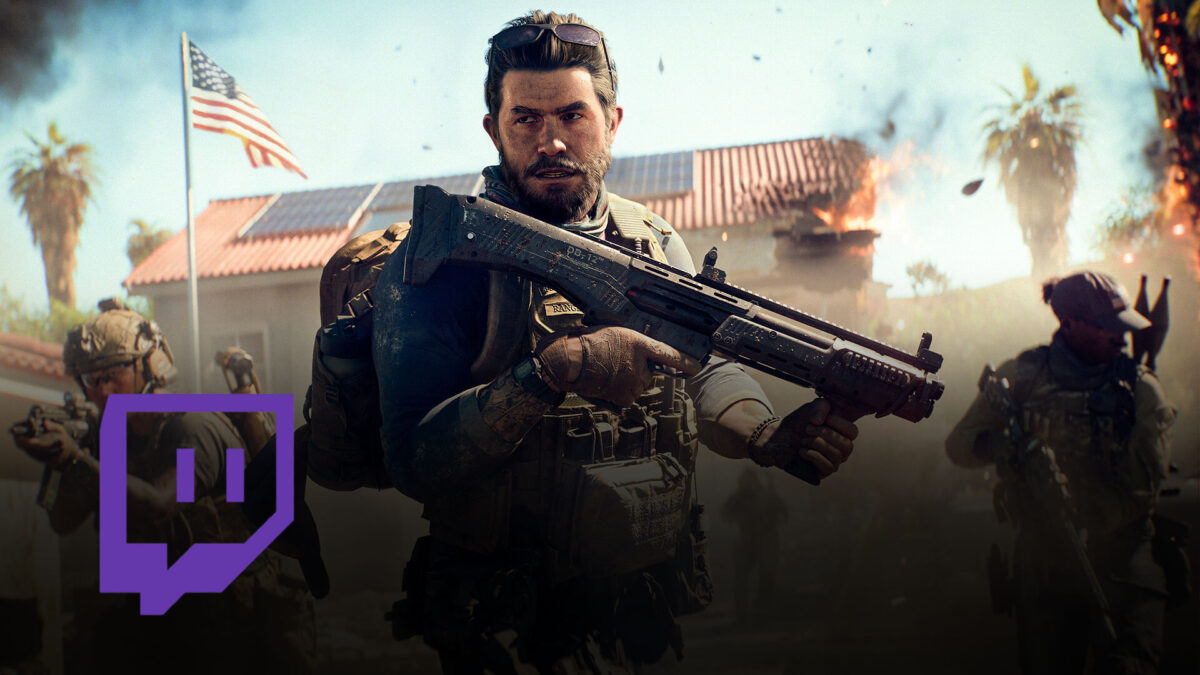
- 4 hours of watchtime – “Gallow”: weapon bundle for the M87A1 shotgun
Once you hit each watchtime milestone, you’ll need to claim the reward manually on Twitch. After that, it’s automatically added to your EA account and available the next time you launch Battlefield 6.
How to Take Part
To receive Twitch Drops, you must link your EA account to your Twitch account. You can do that at ea.com/twitchlinking. Once linked, just watch any eligible stream. Important: Only one active stream counts — watching multiple streams at once won’t increase your progression.
Once you’ve completed the required watchtime, a Twitch chat popup will notify you that a Drop is ready. You must manually claim it in your Twitch Drops inventory before it becomes active in your game.
The rewards aren’t just for Battlefield 6 — they’re also available in REDSEC.
Troubleshooting: What to Do if Something’s Missing
If your Drops don’t appear in-game, first make sure your accounts are linked correctly. Then check the EA Connect inbox in the Battlefield 6 main menu — Twitch Drops show up there as messages marked with an envelope icon.
If something is still missing, Electronic Arts recommends reaching out to EA Support via help.ea.com.
No related articles found.