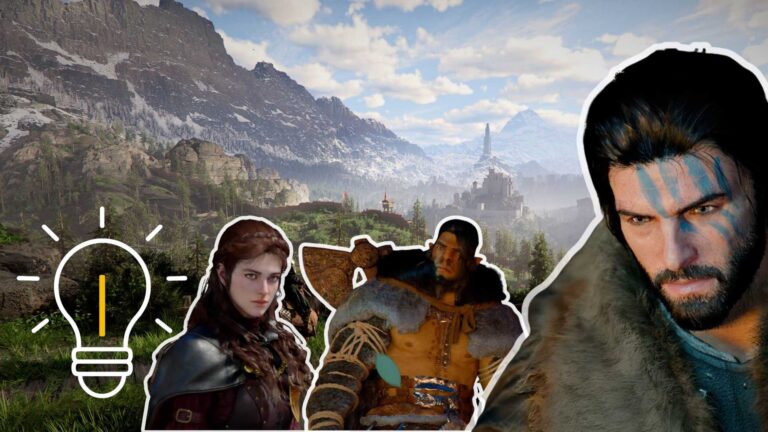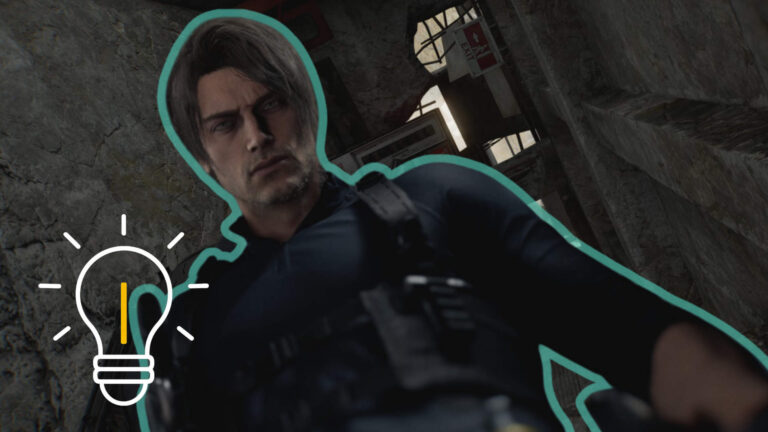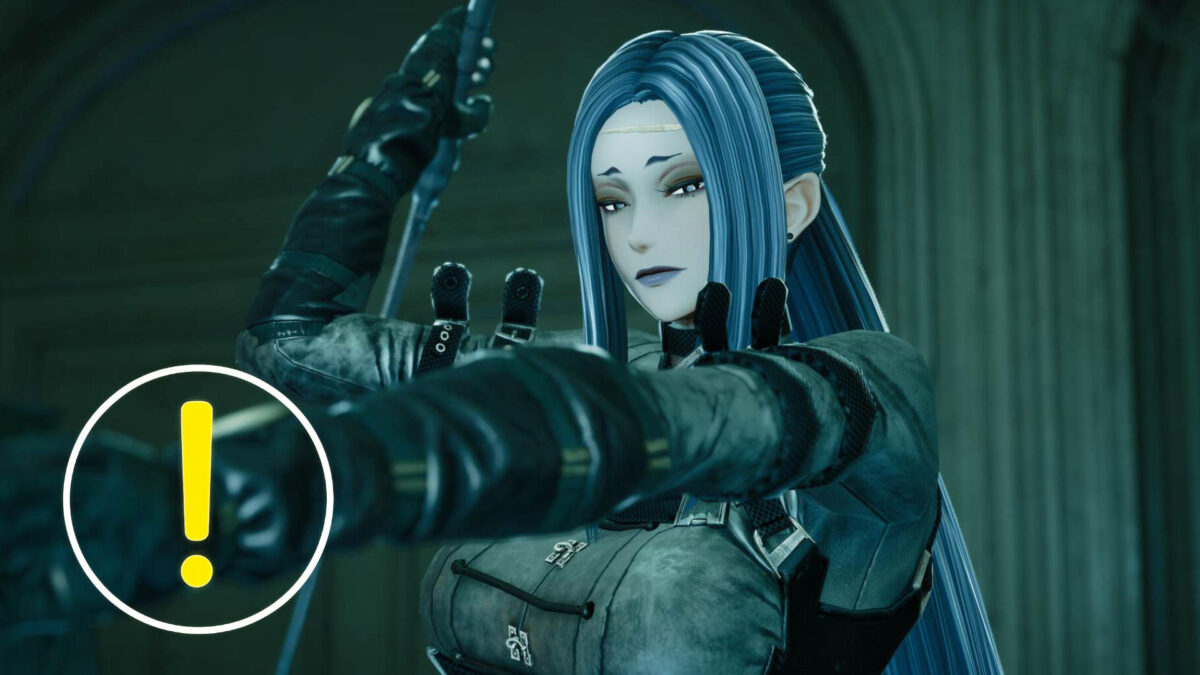
We tested the Character Creation Demo of Code Vein 2 and tell you what options are available.
With the Character Creation Demo for Code Vein 2, Bandai Namco gives you a very detailed preview of one of the game’s most important features even before the full version is released: character creation. The demo was released on January 23, 2026 and lets you create your own Revenant without any time pressure, save the character and later transfer it to the full version.
In this article, we take a look at what the demo already offers, where its strengths lie and where there are still limitations or minor weaknesses.
Overview: What Is Code Vein 2 and When Does the Full Version Release?
Code Vein 2 is the direct sequel to the popular action RPG with an anime style and a dark post-apocalyptic setting. The full version will be released on January 30, 2026 for PC (Steam), PlayStation 5 and Xbox Series X|S. Shortly before that, the standalone Character Creation Demo was released, which focuses entirely on creating your character.
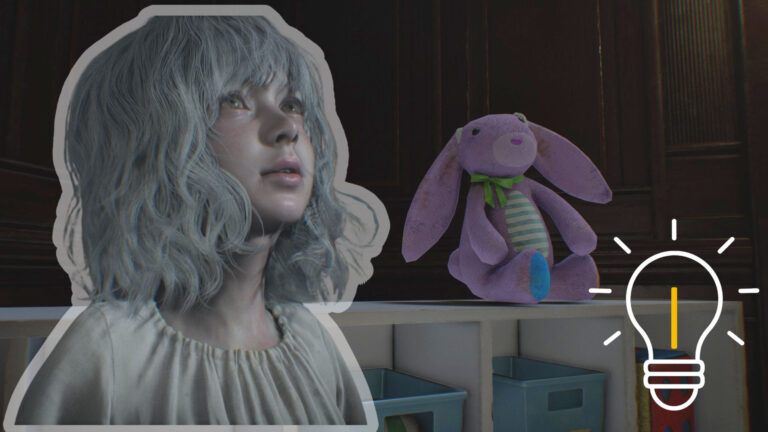
Story-wise, Code Vein 2 takes place in a world where humans and Revenants coexist. Since the appearance of the so-called Luna Rapacis, more and more Revenants are losing their sanity and turning into bloodthirsty horrors. As a hunter, you try to stop the seemingly inevitable downfall. A central role is played by Lou, a girl with the ability to manipulate time.
What Does the Character Creation Demo Offer?
The demo completely forgoes combat or story sections. Instead, everything revolves around your character. You can create your Revenant, place them in the base and view them from different angles in photo mode.
All created characters can be saved and later transferred to the full version. You can save changes via the “Save/Delete Appearance Data” option in the customization menu. On PC, the demo requires around 25.6 GB of storage space, which already shows how extensive the included assets are.
Code Vein 2: The Character Creation Demo in Detail
Voices, Gender and Basic Selection
At the start, you can choose from a total of 20 voices, split into ten male and ten female variants. You are not bound to the selected gender. A female character can easily have a male voice and vice versa. This openness runs through the entire editor and allows for very free interpretations of your character.
Hair: One of the Highlights of the Demo
A particularly strong focus is placed on hairstyles. In total, around 110 different styles are available. The selection ranges from long, open hair to braids and updos, as well as short hairstyles or a completely shaved head.
In addition, you can customize hair in great detail. This includes hair color, highlights, individual strands, curls or waves, smoothness, shine, length, volume and even the starting position of curls.
Face, Expression and Distinctive Details
In the face editor, you can change many basic features. These include eye angle, eye size, eye distance, ear angle and the shape of the ear tips. The mouth area also offers special options such as gaps between teeth, braces or vampire fangs.
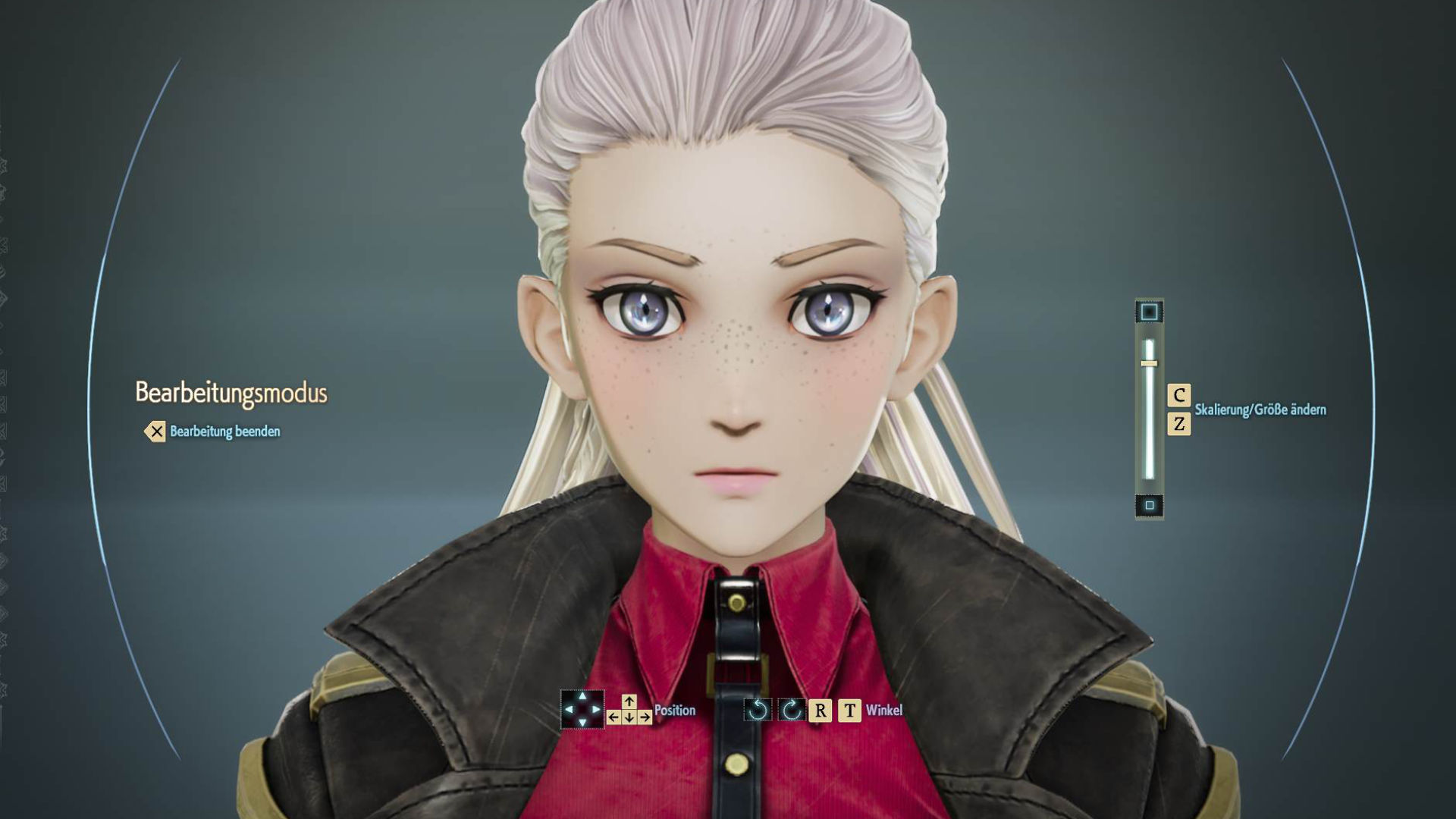
Beyond that, facial expressions and asymmetries can be adjusted. For example, you can keep one eye permanently closed or only half open. Scars can stretch across large parts of the face and give your character a unique backstory. Freckles are also included and can be individually adjusted in intensity and distribution.
Accessories and Jewelry
When it comes to accessories, the demo is quite playful. You will find items such as hats, top hats, winter caps, crowns, Santa hats, wizard hats, sailor caps, earmuffs, reindeer antlers, headphones, necklaces, earrings and tattoos.
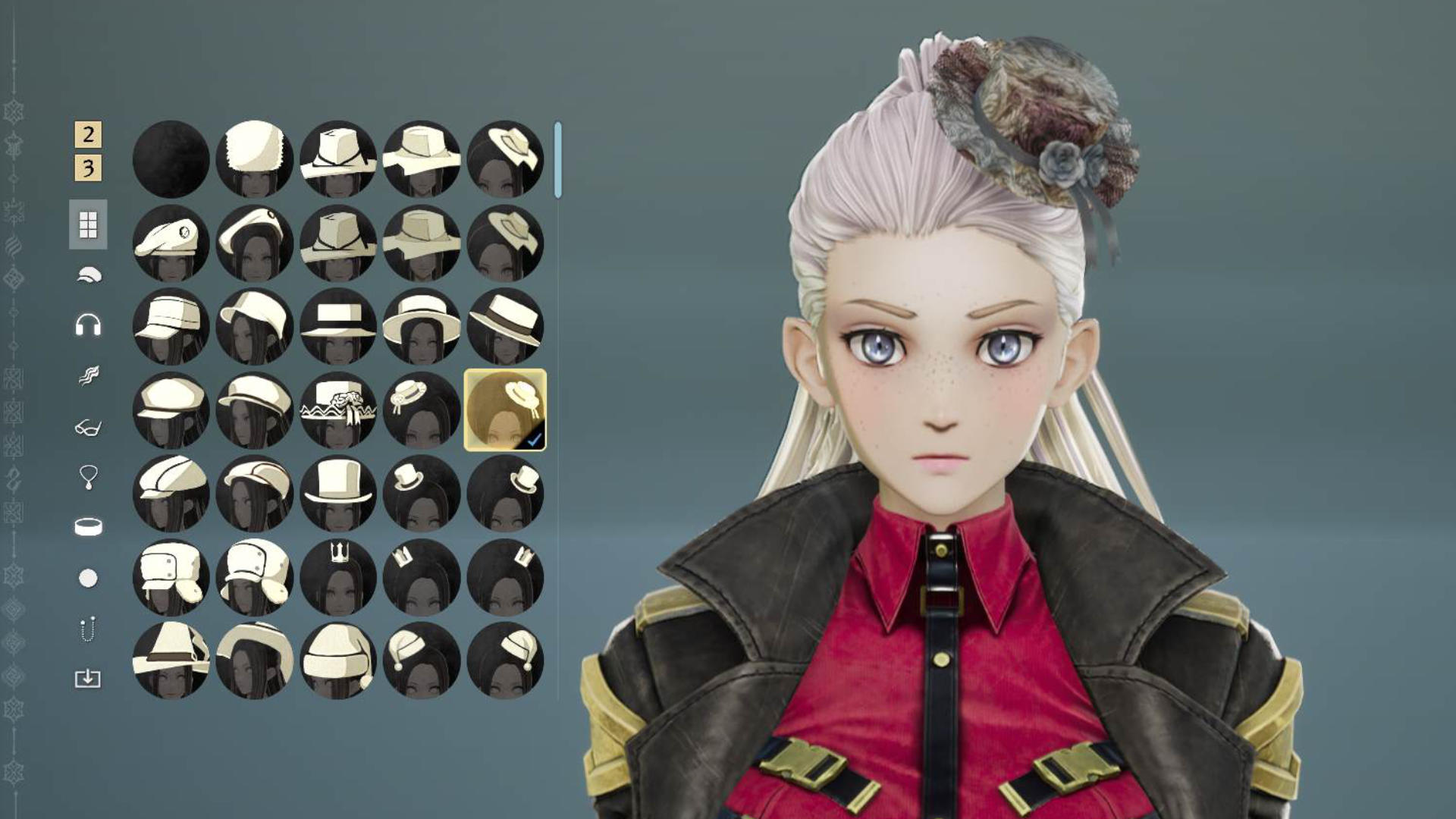
However, there are still minor technical weaknesses here. Some necklaces appear too large or float slightly in the air instead of sitting correctly on the body. These visual issues do not occur all the time, but they are noticeable and can slightly affect the overall impression.
- Note: On Steam, the Character Creation Demo has received mixed reviews. This was due, among other things, to missing options and the bugs mentioned above.
Clothing and Outfits
You also have a lot of freedom when it comes to clothing. You can choose between very revealing outfits and fully covered variants. There are outfits that resemble assassins, as well as typical anime-style clothing known from the series.
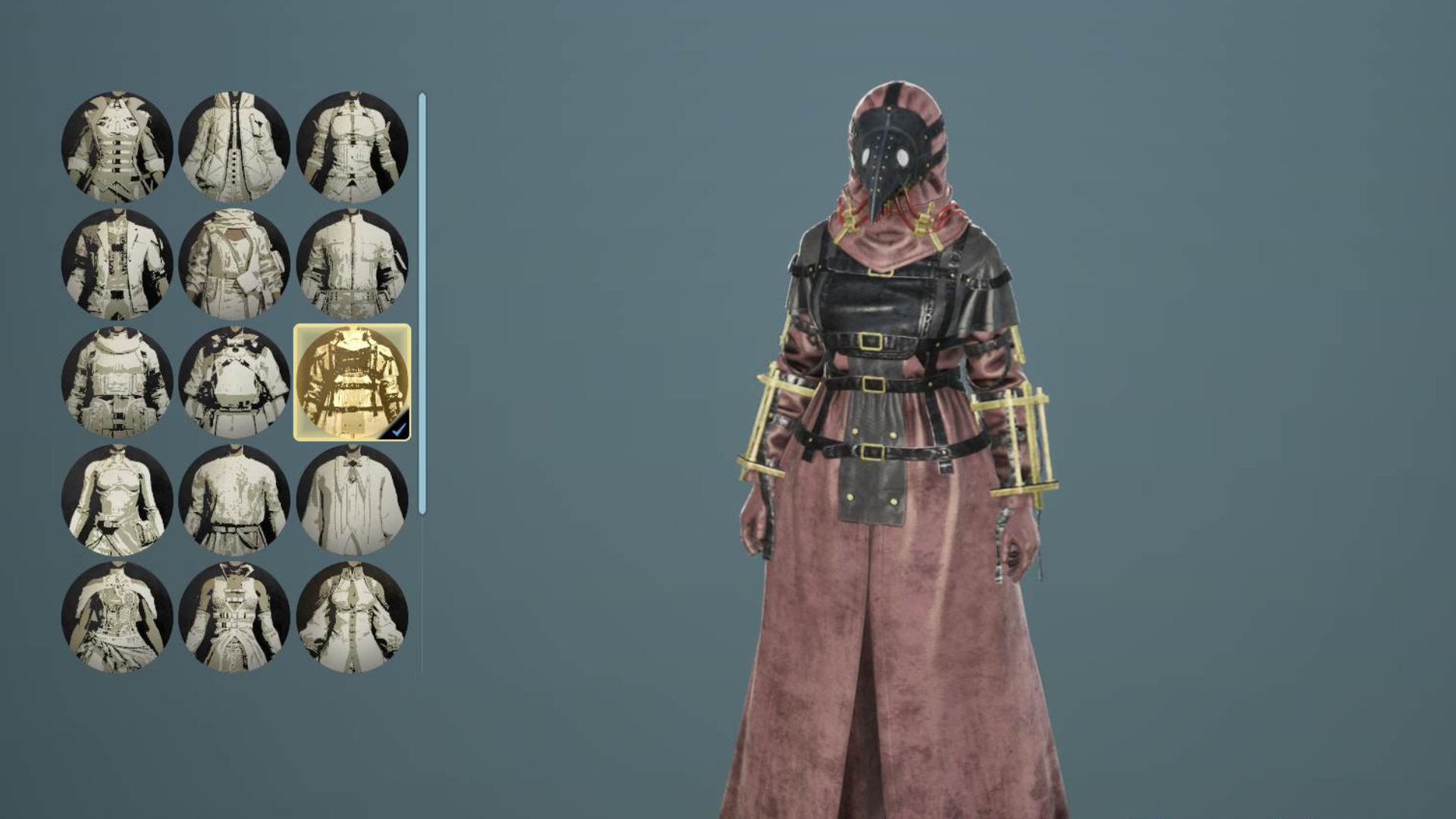
In addition, individual parts of an outfit can be customized separately. Shoes, gloves or masks can be changed independently, allowing you to further personalize existing clothing sets. If you want to wear a gas mask or a balaclava, that is no problem either.
Customization After the Demo
All characters created in the demo can be transferred to the full version. There, you will later be able to change their appearance again. In the changing room of the hot spring in MagMell, you will find lockers that allow you to select the “Customize Appearance” option. The demo is therefore more of a preparation than a final decision.
Limitations, Missing Options and Known Weaknesses
As extensive as the character editor is, it has clear limits. It is not possible to fully fine-tune individual facial areas. This includes, among other things, the exact angle of the nose, the size of the nostrils, the shape of the cheekbones or a detailed adjustment of the jawline. Instead of a free sculpting system, you work with predefined parameters.
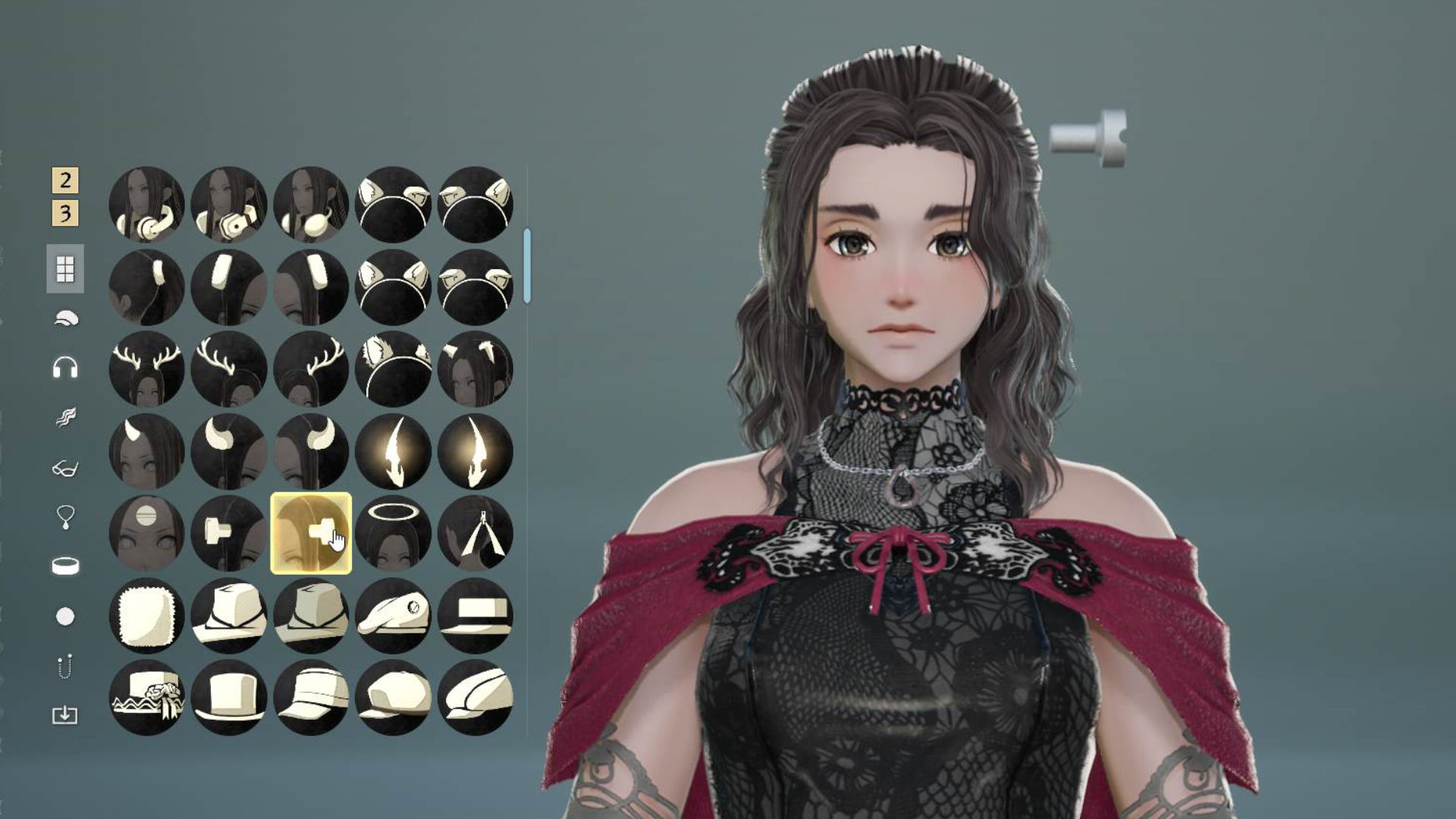
In addition to the already mentioned accessory issues, there are also minor conflicts between hairstyles and headgear. Hair sometimes clips through hats or is displayed in a heavily shortened form. These are mostly cosmetic issues, but they can be annoying for very detail-oriented players.