
Arc Raiders does not have an official first-person mode. We explain why that’s the case and how you can still get a more FPS-like feel using the right settings.
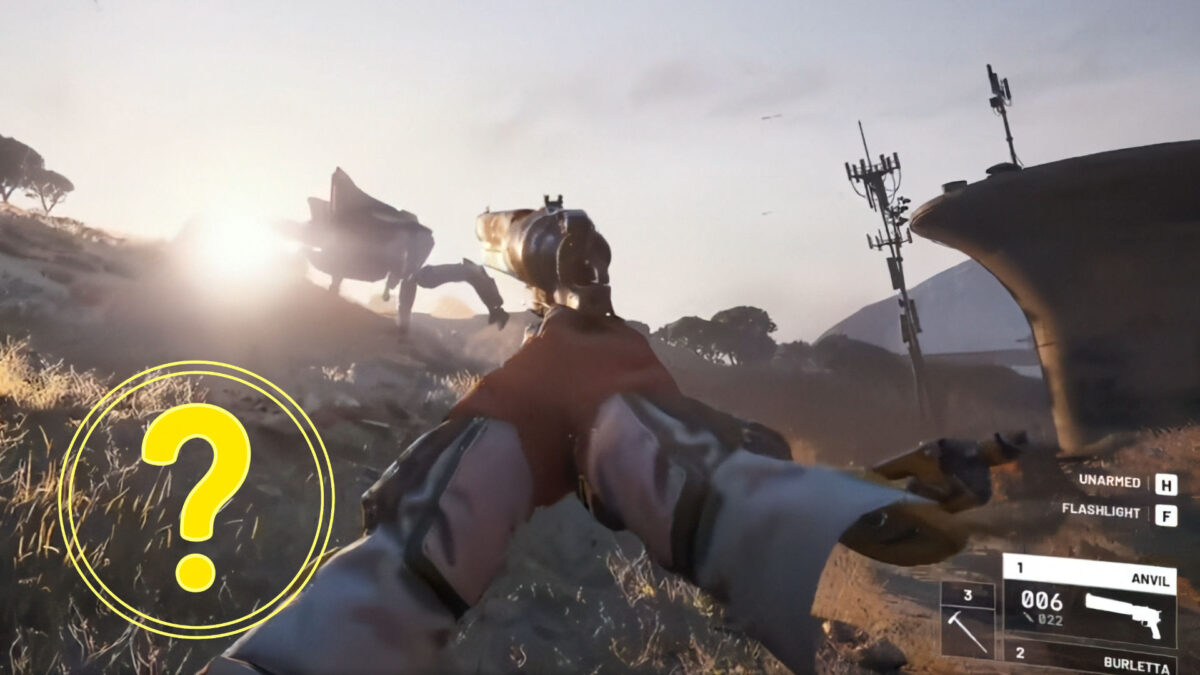
Some players reported on social media and forums that they were briefly able to play Arc Raiders in first-person view. This was made possible through a hidden console command. However, the trick was never intended for public use and was removed by the developers via a hotfix on January 10, 2026.
The reason: Accessing the first-person view didn’t just change the camera perspective—it also enabled unfair advantages, such as removing fog or darkness. That runs counter to the game’s fair-play philosophy. As a result, the developers made it clear that further violations would be punished, up to and including account bans.
Our advice: Don’t use exploits or console commands. Not only have they been disabled, but using them also undermines the intended gameplay experience and puts your account at risk.
How to Get a More FPS-Like Feel—Completely Legit
Even without an official first-person mode, you can make Arc Raiders feel much more direct and immersive with a few tweaks. The result is faster, more immediate gameplay—without breaking any rules.
1. Adjust Your Field of View (FOV)
Your field of view determines how much of the environment you can see. A higher FOV makes the game feel faster and more responsive—ideal for players who usually prefer first-person shooters.
- Menu path: Settings → Graphics → Field of View
- Recommended value: 70–80 (default is 70)
Keep in mind that very high FOV values can cause visual distortion. Experiment until you find what feels right.
2. Disable Motion Blur
Motion blur can make the game feel sluggish. If you prefer crisp visuals and instant feedback, turning it off is a smart move.
- Menu path: Settings → Graphics → Motion Blur → Off
This makes a noticeable difference during fast movement and chaotic combat, where clarity and precision matter most.
3. Optimize the HUD Position
The HUD (head-up display) shows your health, ammo, and abilities. Depending on the layout, it can feel either cluttered or streamlined.
- Menu path: Settings → Gameplay → HUD Position
- Options: “Stretched” (spread across the screen) or a fixed, tighter layout
A more compact HUD is especially helpful if you want to focus entirely on the action.
Why Third-Person Makes Sense in Arc Raiders
As tempting as a first-person mode may sound, the third-person perspective offers clear advantages in Arc Raiders—especially in combat. You see more of your surroundings and can spot enemies earlier, giving you valuable reaction time. There are also tactical benefits: you can peek around corners without exposing yourself, which is a major plus in both PvE and PvP. On top of that, third-person makes it easier to track your movement while dodging, jumping, or climbing.
If you’re still curious what Arc Raiders looks like in first-person view, check out this Reddit post.